Live & DVR
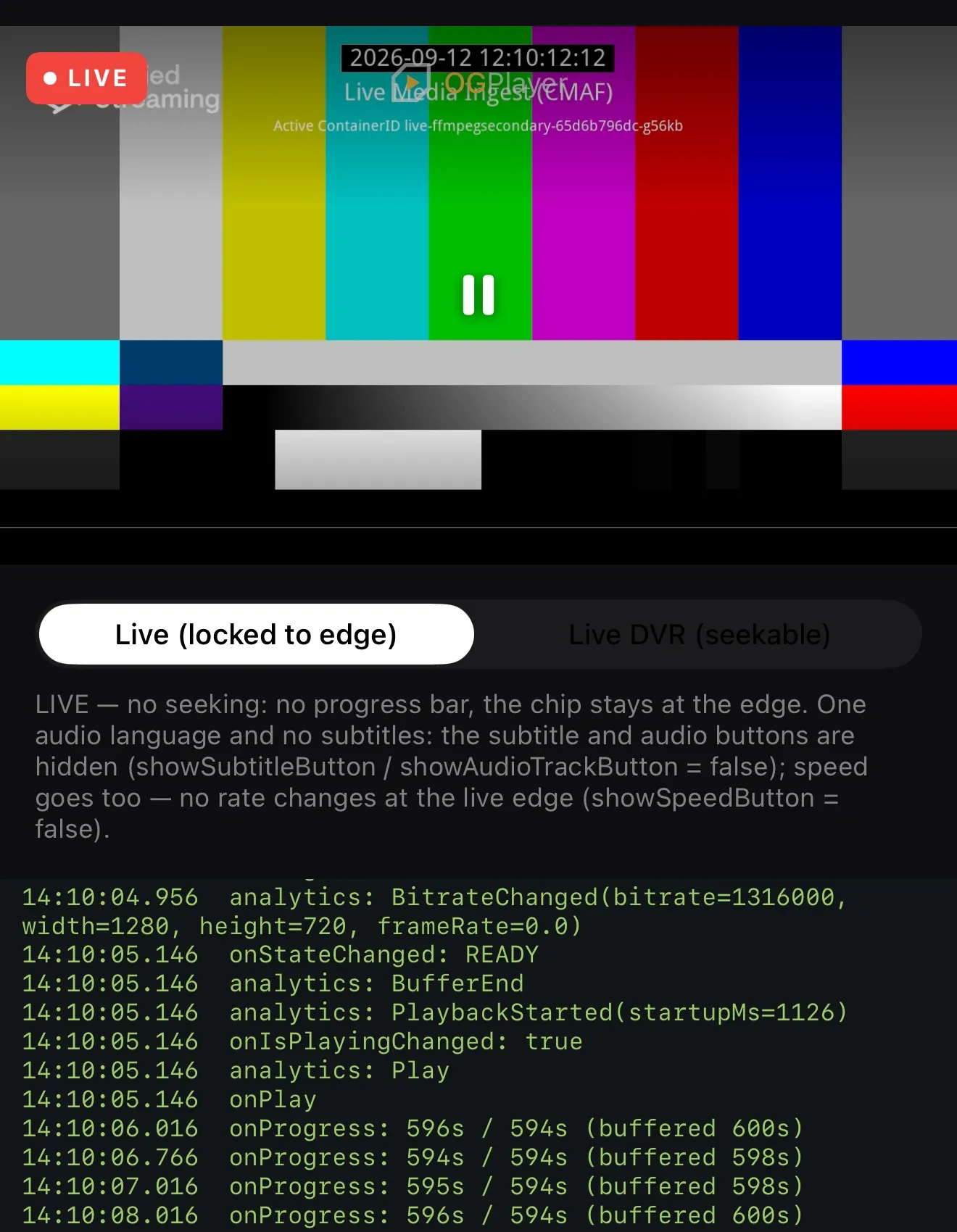
Declare the stream type and the player does the rest. LIVE locks to the
live edge: no scrubber, no seek buttons, no time labels — the LIVE chip is the
state. LIVE_DVR keeps scrubbing within the seekable window and shows how
far behind the edge the viewer is; tapping the chip jumps back to live.
Playback speed is not offered on either live type (meaningless on live; on Android and iOS from 1.4.1).
player.load(    OGMediaItem.Builder("https://example.com/channel.m3u8")        .setStreamType(StreamType.LIVE_DVR) // or StreamType.LIVE        .setTitle("Channel 1")        .build(),)
player.liveInfo?.let { info ->    // dvrWindowMs, atLiveEdge, latencyMs, playheadWallClockMs}
if var item = OGMediaItem(urlString: "https://example.com/channel.m3u8") { item.streamType = .liveDVR // or .live player.load(item)}
if let info = player.liveInfo { // dvrWindow, atLiveEdge, latency, playheadDate}player.load({ url: "https://example.com/channel.m3u8", streamType: "LIVE_DVR", // or "LIVE" title: "Channel 1",});
const info = player.liveInfo;// { dvrWindowMs, atLiveEdge, latencyMs, playheadWallClockMs }<OGPlayerView ref={ref} source={{ url: "https://example.com/channel.m3u8", streamType: "LIVE_DVR", // or "LIVE" title: "Channel 1", }} onLiveEdgeChanged={(atLiveEdge) => setAtLiveEdge(atLiveEdge)}/>
const info = await ref.current?.getLiveInfo();// { streamType, dvrWindowMs, atLiveEdge, latencyMs, playheadWallClockMs } | nullOGPlayerView( source: const OGMediaItem( url: 'https://example.com/channel.m3u8', streamType: OGStreamType.liveDvr, // or OGStreamType.live title: 'Channel 1', ), onLiveEdgeChanged: (atLiveEdge) => setState(() => _atLiveEdge = atLiveEdge), onViewCreated: (c) => _controller = c,)
final info = await _controller?.getLiveInfo();// streamType, dvrWindowMs, atLiveEdge, latencyMs, playheadWallClockMs — or nullEdge behaviour
Section titled “Edge behaviour”seekToLiveEdge()jumps to the newest point; the LIVE chip calls it for you.onLiveEdgeChanged(atLiveEdge)fires as the viewer drifts behind or catches up.- Falling out of the DVR window raises error
6000 BEHIND_LIVE_WINDOW— but only after the SDK has silently retried at the live edge first.
On the web
Section titled “On the web”- Going to the live edge — the LIVE chip, the
Endkey,seekToLiveEdge()— lands on hls.js’s live sync point (the playlist edge minus its target latency), not on the very end of the newest segment, so playback resumes without a stall. DASH items land on dash.js’s live target. - The DVR window of an HLS live stream matches the playlist’s sliding
window:
liveInfo.dvrWindowMs, the scrub span and the behind-live state follow what the playlist still offers, however long the session runs. - The web chrome leaves the time readout empty at the edge — the LIVE chip carries the state — and shows how far behind the viewer is once that exceeds 12 seconds.
Low-latency HLS
Section titled “Low-latency HLS”Low-latency HLS (partial segments) plays on Android, iOS, the web, React Native and Flutter with
nothing to configure. The players follow the playlist’s PART-HOLD-BACK as
their latency target, and the LIVE chip, the DVR window, the behind-live
state and going to the live edge all work on parts. On the web the default
profile runs hls.js in low-latency mode; the
TV profile keeps
low-latency mode off and plays the same stream at the regular delay.