Casting
// Chromecast via the ogplayer-cast module (Media3 CastPlayer under the hood)val player = OGPlayer.Builder(context)    .setCastConnector(        OGCastConnector(context) {            mapOf("platform" to "android", "playSessionId" to sessionId) // customData        },    )    .build()
// chrome: setShowCastButton(true) is the default; position via setCastButtonSlot(...)
The connector uses your receiver app id from the manifest
(com.ogplayer.cast.RECEIVER_APP_ID), falling back to Google’s default media
receiver. If Play Services is unavailable, casting simply disappears — no
crash, no dialog.
HLS segment format: the receiver cannot detect the segment container and
assumes MPEG-TS unless told otherwise — with CMAF/fMP4 packaging it would
buffer forever. OGPlayer declares fMP4 by default (the packaging the SDK
recommends everywhere); if your HLS uses TS segments, pass
OGCastConnector(context, hlsSegmentFormat = CastHlsSegmentFormat.TS).
Connection state: player.castState reports
NO_DEVICES / NOT_CONNECTED / CONNECTING / CONNECTED (also via
PlaybackListener.onCastStateChanged), player.castDeviceName names the
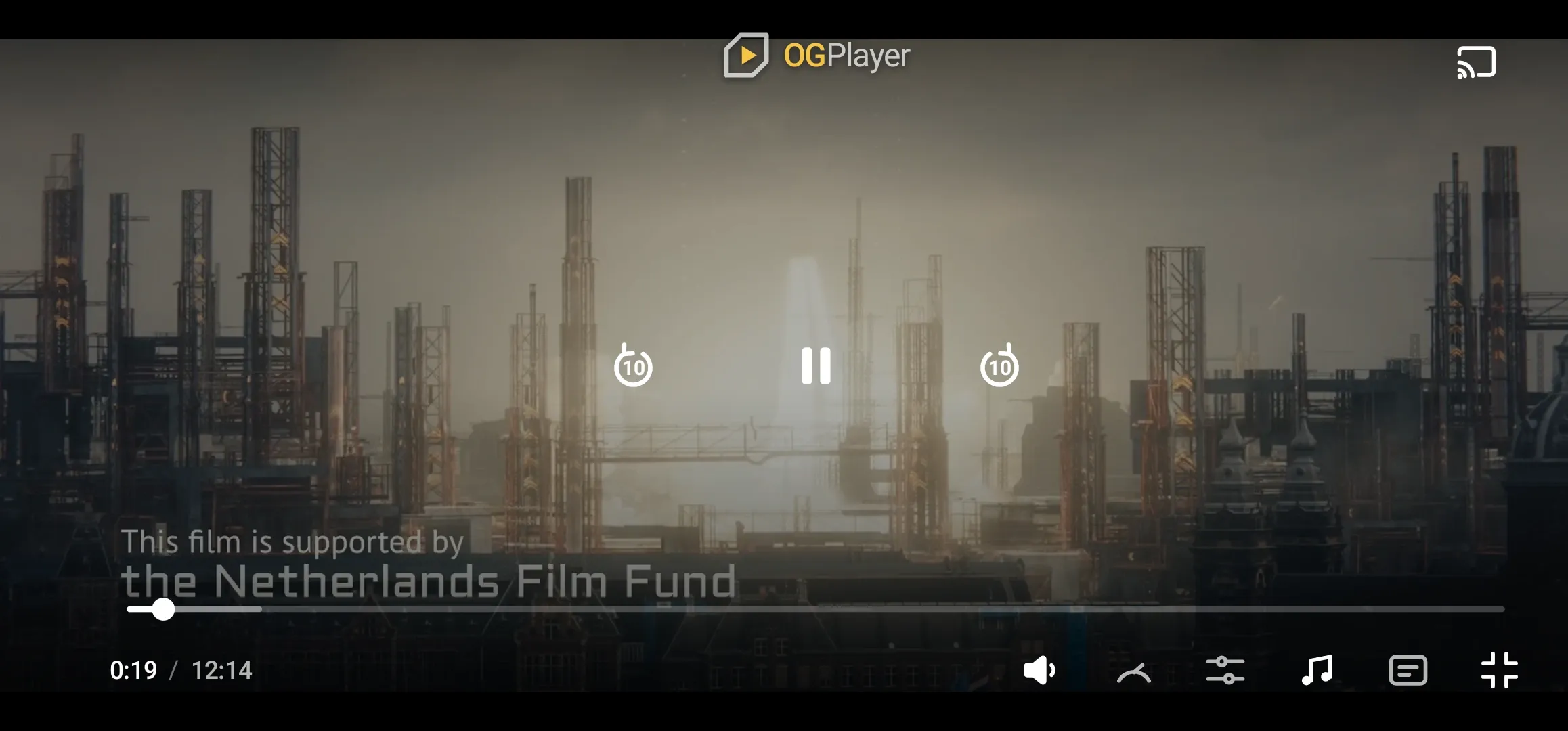
receiver, and player.isCasting says who is playing. The chrome reacts on
its own: the cast icon pulses while connecting and switches to a connected
glyph once live (override with setCastConnectedIcon(...)), and the player
surface shows a “Casting to …” device layer while the TV has the video —
with the controls still live, driving the receiver (play, pause, seek).
Session lifecycle: playback hands off at the current position when the
session connects, events (onStateChanged, onProgress, buffering) follow
whichever engine is actually playing, and on disconnect playback returns to
the device at the receiver’s last position. Tapping the cast button during a
session opens the standard Cast controller dialog (volume, device, stop).
// AirPlay is built in — the chrome shows the system route picker.var config = OGUIConfig()config.showAirPlayButton = true // defaultconfig.airPlayButtonSlot = .topTrailing // defaultThe button wraps AVRoutePickerView with the chrome’s tint and prioritizes
video devices.
While AirPlaying: the chrome reduces to remote-control mode — transport,
scrubber and the route button; track/quality/speed menus hide (they act on
the local engine — Chromecast parity). The player surface shows an
“AirPlay — device name” layer, and player.isAirPlayActive /
player.airPlayRouteName expose the state to host code. When playback
routes back to the device the SDK reloads the item at the current position
(one brief rebuffer) — this works around an iOS renderer bug that otherwise
leaves the returning picture distorted.
// Not yet available on web — the Remote Playback API integration is on the// roadmap. See the parity matrix for current status.<OGPlayerView style={{ flex: 1 }} source={{ url: contentUrl, title: "Cast demo" }} castEnabled/>On Android, castEnabled enables the Chromecast connector — and the app
manifest must declare the Cast options provider:
<meta-data android:name="com.google.android.gms.cast.framework.OPTIONS_PROVIDER_CLASS_NAME" android:value="com.ogplayer.cast.OGCastOptionsProvider" />On iOS the same button is AirPlay, built in — no setup needed. To bring your
own cast UI, hide the SDK’s button with uiConfig={{ showCastButton: false }};
the connector keeps working, so a session started by any cast button (e.g.
react-native-google-cast’s) triggers the same handoff.
OGPlayerView( source: OGMediaItem(url: contentUrl, title: 'Cast demo'), castEnabled: true,)On Android, castEnabled enables the Chromecast connector — the app manifest
must declare the Cast options provider, and the host activity must be a
FlutterFragmentActivity:
<meta-data android:name="com.google.android.gms.cast.framework.OPTIONS_PROVIDER_CLASS_NAME" android:value="com.ogplayer.cast.OGCastOptionsProvider" />On iOS the same button is AirPlay, built in — no setup needed. To bring your
own cast UI, hide the SDK’s button with OGUIConfig(showCastButton: false);
the connector keeps working.
One behavioral note for ad integrations: starting a cast session ends a slot-ad (FreeWheel) session on Android — ads don’t follow onto the TV.