Fullscreen
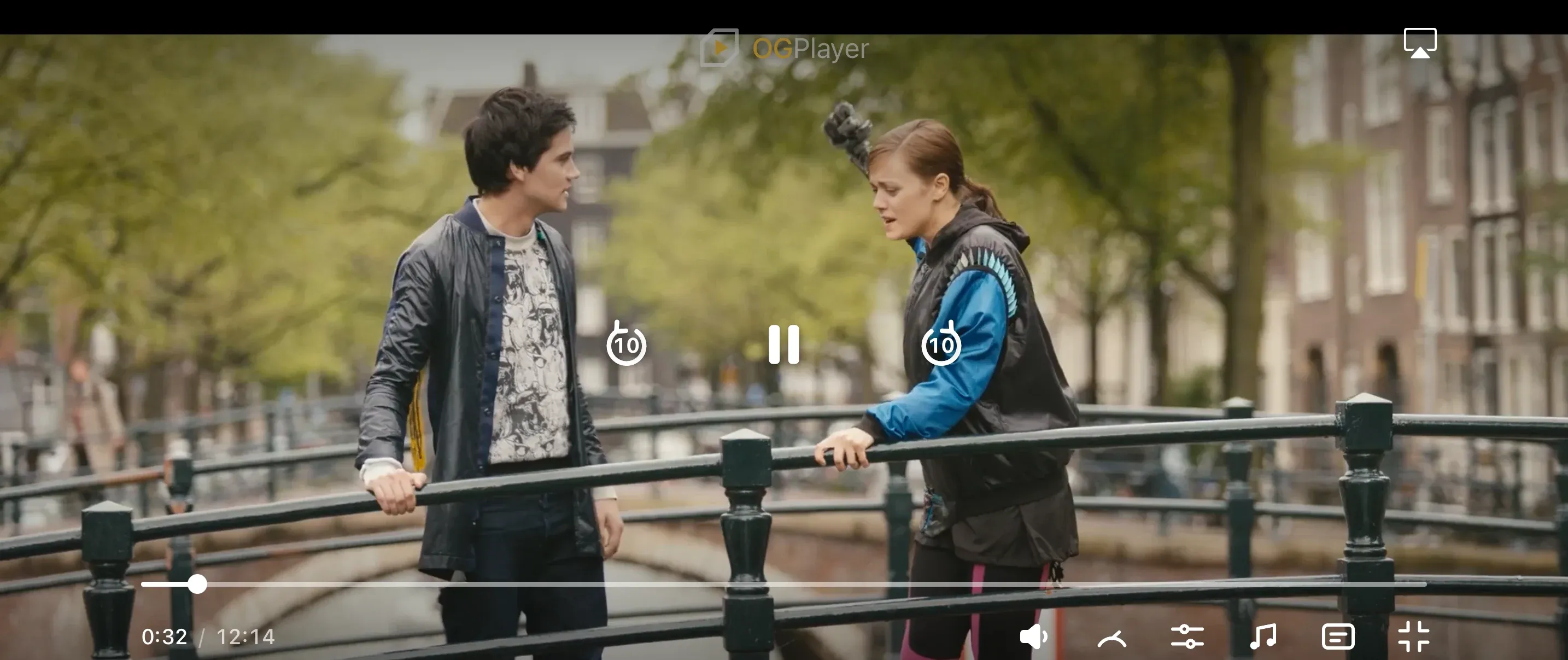
OGPlayerView( player = player, fullscreenHandler = ActivityFullscreenHandler(activity, lockLandscape = true), startInFullscreen = true, // open directly in fullscreen autoFullscreenOnRotate = true, // rotating the device enters/exits onFullscreenExitRequest = { navController.popBackStack() }, // host decides)OGPlayerView( player: player, isFullscreen: $isFullscreen, // two-way binding startInFullscreen: true, autoFullscreenOnRotate: true, onFullscreenExitRequest: { dismiss() })// Browsers require a user gesture — call from your start button:startButton.addEventListener("click", async () => { await el.enterFullscreen(); player.load({ url, title: "My movie" });});
// Host-intercepted exit (the in-player button):el.config = { onFullscreenExitRequest: () => { el.exitFullscreen(); location.href = "/library"; },};const playerRef = useRef<OGPlayerViewRef>(null);
<OGPlayerView ref={playerRef} style={styles.player} source={{ url, title: "My movie" }} startInFullscreen autoFullscreenOnRotate onFullscreenChanged={(isFullscreen) => { if (!isFullscreen) navigation.goBack(); }}/>;
playerRef.current?.enterFullscreen();playerRef.current?.exitFullscreen();iOS setup: forward supportedInterfaceOrientationsFor in your AppDelegate
to OGRNPlayerHost.interfaceOrientationMask and list the landscape
orientations under UISupportedInterfaceOrientations in Info.plist —
otherwise the OS keeps the app portrait-locked and fullscreen can’t rotate.
onFullscreenExitRequest isn’t available in React Native — react to
onFullscreenChanged instead, as above.
OGPlayerViewController? controller;
OGPlayerView(  source: OGMediaItem(url: url, title: 'My movie'),  startInFullscreen: true,  autoFullscreenOnRotate: true,  onViewCreated: (c) => controller = c,  onFullscreenChanged: (isFullscreen) {    if (!isFullscreen) Navigator.of(context).pop();  },);
controller?.enterFullscreen();controller?.exitFullscreen();
iOS setup: forward supportedInterfaceOrientationsFor in your AppDelegate
to OgplayerFlutterPlugin.interfaceOrientationMask — the plugin answers
portrait normally and landscape while the player is fullscreen. Rotation-driven
fullscreen needs a rotatable activity on Android, so don’t lock the screen
that hosts the player. onFullscreenExitRequest isn’t available in Flutter —
react to onFullscreenChanged instead, as above.
Notes per platform:
- Android / iOS —
startInFullscreenopens the screen already expanded;autoFullscreenOnRotatefollows the physical sensor. - Web — there is no
startInFullscreenflag because browsers only allow fullscreen from a user gesture; the “starts in fullscreen” flow is your start button callingenterFullscreen(). The Esc key always exits directly (platform behavior that cannot be intercepted);onFullscreenExitRequestcovers the in-player button. - The fullscreen chrome steps up automatically (bigger targets, bigger type) on every platform.