Subtitles & audio
The subtitle and audio menus fill themselves from the stream (embedded tracks) and from anything you sideload. Track objects and selection calls are identical on every platform.
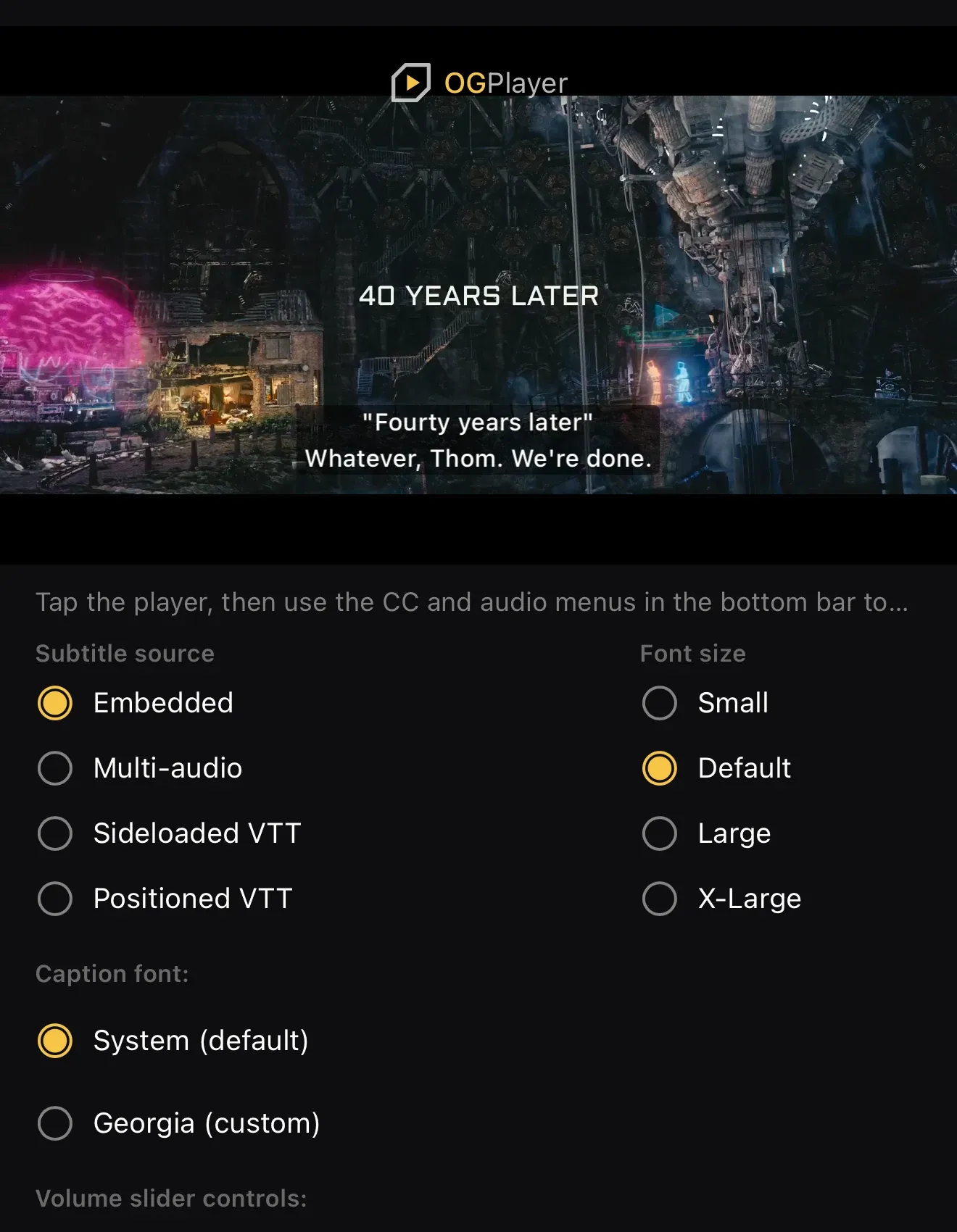
Sideloading subtitle files
Section titled “Sideloading subtitle files”player.load( OGMediaItem.Builder(streamUrl) .setSideloadedSubtitles( listOf( SubtitleSource("https://…/en.vtt", language = "en", label = "English", isDefault = true), SubtitleSource("https://…/de.vtt", language = "de", label = "Deutsch"), ), ) .build(),)var item = OGMediaItem(urlString: streamUrl)!item.subtitles = [ SubtitleSource(urlString: "https://…/en.vtt", language: "en", label: "English", isDefault: true)!, SubtitleSource(urlString: "https://…/de.vtt", language: "de", label: "Deutsch")!,]player.load(item)player.load({ url: streamUrl, sideloadedSubtitles: [ { url: "https://…/en.vtt", language: "en", label: "English", isDefault: true }, { url: "https://…/de.vtt", language: "de", label: "Deutsch" }, ],});<OGPlayerView source={{ url: streamUrl, sideloadedSubtitles: [ { url: "https://…/en.vtt", language: "en", label: "English", isDefault: true }, { url: "https://…/de.vtt", language: "de", label: "Deutsch" }, ], }}/>OGPlayerView( source: OGMediaItem( url: streamUrl, sideloadedSubtitles: const [ SubtitleSource(url: 'https://…/en.vtt', language: 'en', label: 'English', isDefault: true), SubtitleSource(url: 'https://…/de.vtt', language: 'de', label: 'Deutsch'), ], ),)Positioned WebVTT cues (line: / position: / align: settings) render
faithfully on all platforms.
Selecting tracks programmatically
Section titled “Selecting tracks programmatically”textTracks / audioTracks expose everything with an isSelected flag;
selectTextTrack(id) (or null/nil for off) and selectAudioTrack(id)
switch. Audio entries carry language and channel count — surfaced as proper
display names in the built-in menu.
On the web every load() starts on the stream’s own audio choice — the
DEFAULT=YES rendition on HLS; on DASH the AdaptationSet with the highest
@selectionPriority, then the one with Role main, then the first listed.
A track picked for an earlier item, or on an earlier visit, does not carry
over; if your app remembers the viewer’s choice, select it again after the
new item loads.
Caption styling & size
Section titled “Caption styling & size”subtitleStyle controls colors, background, edge type and the base size
fraction; subtitleTextScale is a viewer-facing multiplier (the demos map it
to Small / Default / Large / X-Large chips). Sizing follows the player height
with sane clamps, matching TV-style caption behaviour.
Custom caption font
Section titled “Custom caption font”Captions can render in your brand font instead of the platform default. The font is your explicit choice, so it applies to embedded and sideloaded cues, on top of any in-stream styling:
player.setSubtitleStyle( SubtitleStyle.Builder() .setTypeface(ResourcesCompat.getFont(context, R.font.your_brand_font)) .build(),)var style = player.subtitleStylestyle.fontName = "YourBrandFont-Regular" // PostScript name of a bundled fontplayer.subtitleStyle = styleplayer.subtitleStyle = { ...player.subtitleStyle, fontFamily: "Your Brand Font, sans-serif", // any CSS font-family value};<OGPlayerView source={item} subtitleStyle={{ fontFamily: "YourBrandFont" }} // Android typeface family / iOS PostScript name/>OGPlayerView( source: item, subtitleStyle: const SubtitleStyle(fontFamily: 'YourBrandFont'), // Android typeface family / iOS PostScript name)Pass null (the default) to return to the platform font.