VOD playback
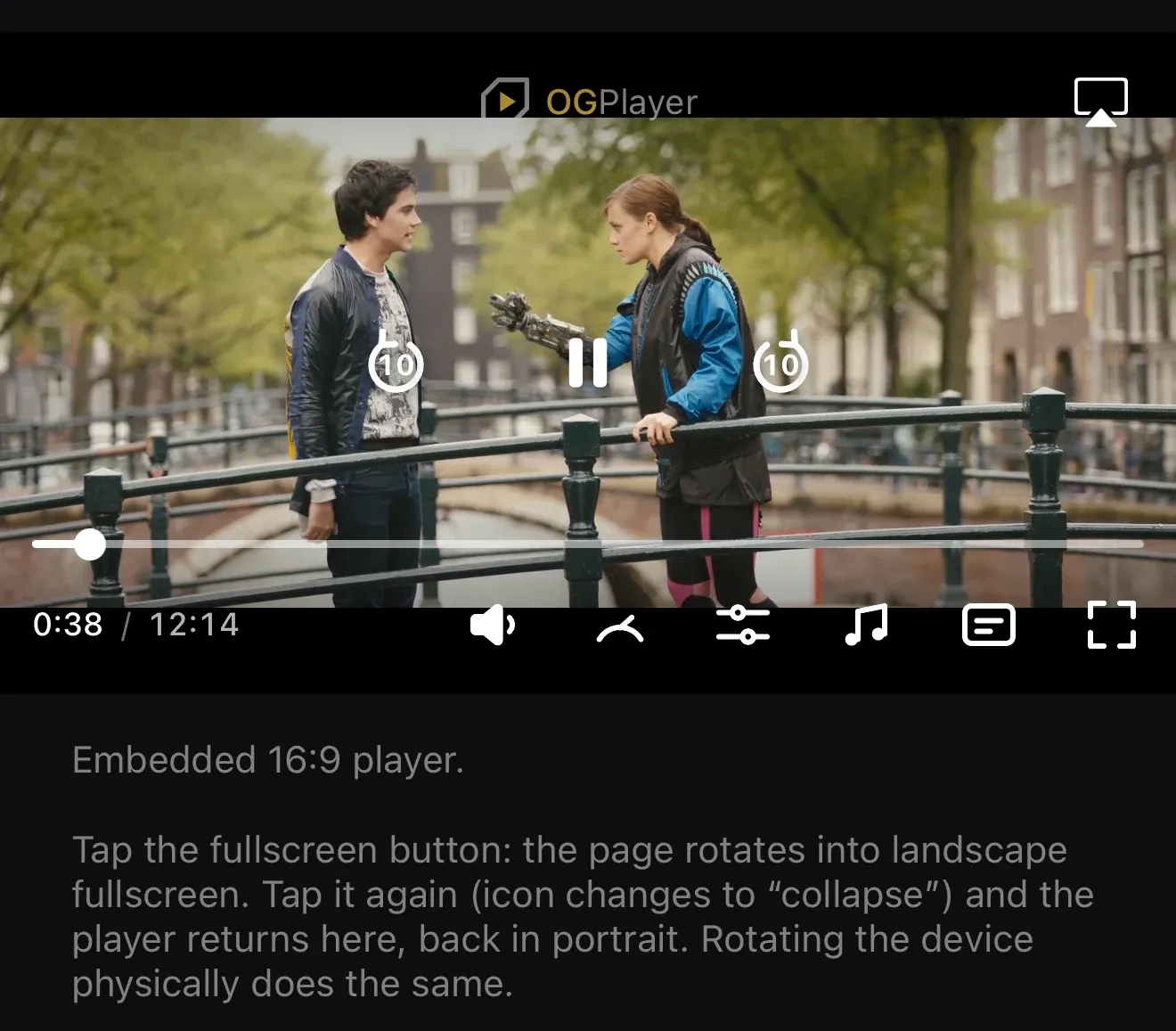
The default player gives you the complete VOD experience out of the box: scrubbing with cue-accurate seeking, ±10s transport, quality / speed / audio / subtitle menus, double-tap seeking and fullscreen.
val player = OGPlayer.Builder(context).build()
player.load(    OGMediaItem.Builder("https://example.com/movie.m3u8")        .setStreamType(StreamType.VOD)        .setTitle("Tears of Steel")        .build(),)// OGPlayerView(player = player, …) renders the chrome
let player = OGPlayer()
if let item = OGMediaItem( urlString: "https://example.com/movie.m3u8", title: "Tears of Steel") { player.load(item)}// OGPlayerView(player: player, isFullscreen: $isFullscreen) renders the chromeconst player = new OGPlayer();document.querySelector("og-player")!.player = player;
player.load({ url: "https://example.com/movie.m3u8", title: "Tears of Steel",});<OGPlayerView style={{ flex: 1 }} source={{ url: "https://example.com/movie.m3u8", title: "Tears of Steel", }}/>OGPlayerView( source: const OGMediaItem( url: 'https://example.com/movie.m3u8', title: 'Tears of Steel', ),)Position, speed, quality
Section titled “Position, speed, quality”The transport API is identical everywhere: play() / pause() /
seekTo(ms) / seekForward() / seekBackward(), playbackSpeed
(0.25–2×), videoQualities + selectVideoQuality(id) (with an adaptive
“Auto” entry), and position getters driven by a configurable onProgress
tick (250 ms default).
The title overlay
Section titled “The title overlay”Set title on the media item and the SDK shows it at content start for a
few seconds (configurable timeout), reflowing around content-rating icons
automatically.
Poster image
Section titled “Poster image”Give the item a poster and the player shows it from load until playback first starts — the standard pre-play behaviour viewers expect from broadcast players:
OGMediaItem.Builder(streamUrl) .setTitle("My movie") .setPosterUrl("https://cdn.example.com/posters/my-movie.jpg") .build()OGMediaItem(urlString: streamUrl, title: "My movie", posterUrl: URL(string: "https://cdn.example.com/posters/my-movie.jpg"))player.load({ url: streamUrl, title: "My movie", posterUrl: "https://cdn.example.com/posters/my-movie.jpg",});<OGPlayerView source={{ url: streamUrl, title: "My movie", posterUrl: "https://cdn.example.com/posters/my-movie.jpg", }}/>OGPlayerView( source: OGMediaItem( url: streamUrl, title: 'My movie', posterUrl: 'https://cdn.example.com/posters/my-movie.jpg', ),)The poster clears the moment playback starts and re-arms on the next load.
With autoplay enabled it may only flash briefly (or persist where the
browser blocks autoplay — exactly when you want a poster).