Android TV quick start
Android TV, Google TV and Fire TV (Fire OS is Android 11 / Android 14
underneath) run the same tv.ogplayer artifacts you ship on phones — installed as in
the Android quick start. The
engine needs nothing; the chrome gets a remote-control mode you switch on
explicitly.
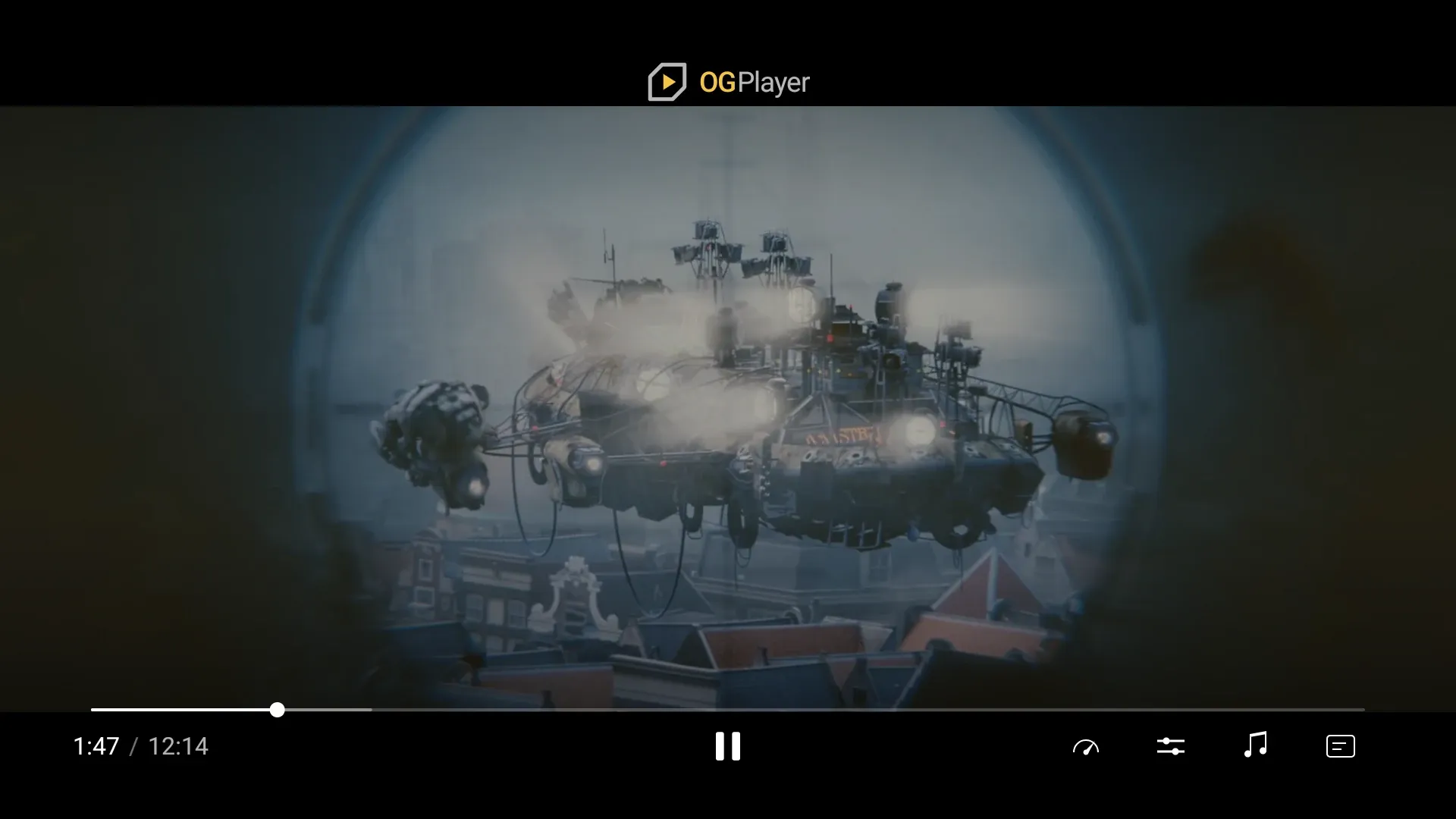
1 · The remote-control chrome
Section titled “1 · The remote-control chrome”val uiConfig = OGUiConfig.Builder() .setInputMode(OGInputMode.REMOTE) // the switch .setMediaSessionEnabled(true) // optional: Now Playing + voice / remote buttons .build()
OGPlayerView(player = player, uiConfig = uiConfig, modifier = Modifier.fillMaxSize())OGInputMode.REMOTE makes the built-in chrome D-pad driven: the focused
control grows (no focus ring) as the D-pad walks the controls, OK activates, Left/Right on the scrub bar seek in
accelerating steps with the storyboard preview, the media keys act directly,
and the sizes step up for viewing distance with an overscan-safe 48 dp inset.
Touch keeps working alongside. Nothing else about playback changes.
The SDK never switches modes by itself. Shipping one APK to phones and TVs?
isTelevision(context) is the one-line check (UI mode television, Leanback
or Fire TV feature); the decision stays yours.
| Key | Chrome hidden | Chrome visible |
|---|---|---|
| D-pad Up / Down / OK | show the chrome, focus returns to the last control | move / activate |
| D-pad Left / Right | show the chrome on the scrub bar and start seeking | on the scrub bar: seek; in the bottom row (play/pause, previous/next, options): move |
| Play/Pause, Play, Pause, Stop | act directly, flash the chrome | same |
| Rewind / Fast-forward | seek in triple steps | same |
| Next | next playlist item | same |
| Back | not consumed — your activity gets it | close menu → cancel a pending seek → hide the chrome |
A TV chrome has no seek buttons: the bottom row is play/pause, flanked by
previous/next while a playlist has an item that way (their glyphs are
replaceable like the rest — setSkipPreviousIcon / setSkipNextIcon, see
Theming), then the option buttons.
Seeking is the scrub bar’s: Up from play/pause reaches it (or any Left/Right
press while the chrome is hidden), and every press then moves a pending target
by the seek increment (10 s by default) with the storyboard preview above the
bar; rapid presses accelerate (1×, 3×, 6×, 12×), and the seek commits after
700 ms of silence or on OK. Back cancels it.
Back is consumed only while the chrome has something to dismiss, and it is
handled through a BackHandler, so it works with predictive back (the
default for apps targeting Android 16) as well as the legacy key path. With
the chrome down, Back reaches your own handler or the activity — the moment
to leave the player screen.
What the remote chrome does not offer
Section titled “What the remote chrome does not offer”The fullscreen, cast and volume buttons are not shown in remote mode: a TV
app is always full-screen, a TV has no cast sender, and the remote owns the
volume. Their setShow* flags are accepted and ignored. Picture-in-picture
stays available where the platform supports it (pipHandler).
2 · Media session (optional)
Section titled “2 · Media session (optional)”setMediaSessionEnabled(true) publishes a framework MediaSession that
mirrors the player — play, pause, seek, skip forward/back, next — so
“Hey Google, pause”, the remote’s media buttons from another surface and the
system’s now-playing row reach the player. Default off; remote mode only.
3 · Manifest
Section titled “3 · Manifest”<uses-feature android:name="android.hardware.touchscreen" android:required="false" /><uses-feature android:name="android.software.leanback" android:required="false" />
<activity android:name=".TvActivity" android:banner="@drawable/tv_banner" android:screenOrientation="landscape" android:exported="true"> <intent-filter> <action android:name="android.intent.action.MAIN" /> <category android:name="android.intent.category.LEANBACK_LAUNCHER" /> </intent-filter></activity>A 320×180 dp banner is what the TV home screen shows. Fire TV additionally
declares amazon.hardware.fire_tv; no OGPlayer code changes for it.
4 · Tokens
Section titled “4 · Tokens”Remote mode uses the ten-foot dimension set (OGControlDimens stepped up
by the SDK); override it through setControlDimens like any other token.
Focus is shown by size — the focused control grows to 150 % — not by a ring,
so there is no ring token to theme.
Subtitles are already sized as a fraction of the surface height, so they read
at TV size with no change.
The demo repository ships MainTvActivity: a Leanback-launcher entry that
opens the same demos on the remote chrome, deep-launchable with the
og.demo extra.