Apple TV quick start
The OGPlayer Swift package builds for tvOS 18 alongside iOS. OGPlayerCore
and OGPlayerUI are the same products; ads come from OGPlayerAdsIMAtvOS,
the twin of the iOS IMA product built against Google’s separate tvOS IMA
SDK. On tvOS the remote chrome is the chrome — there is no switch to flip.
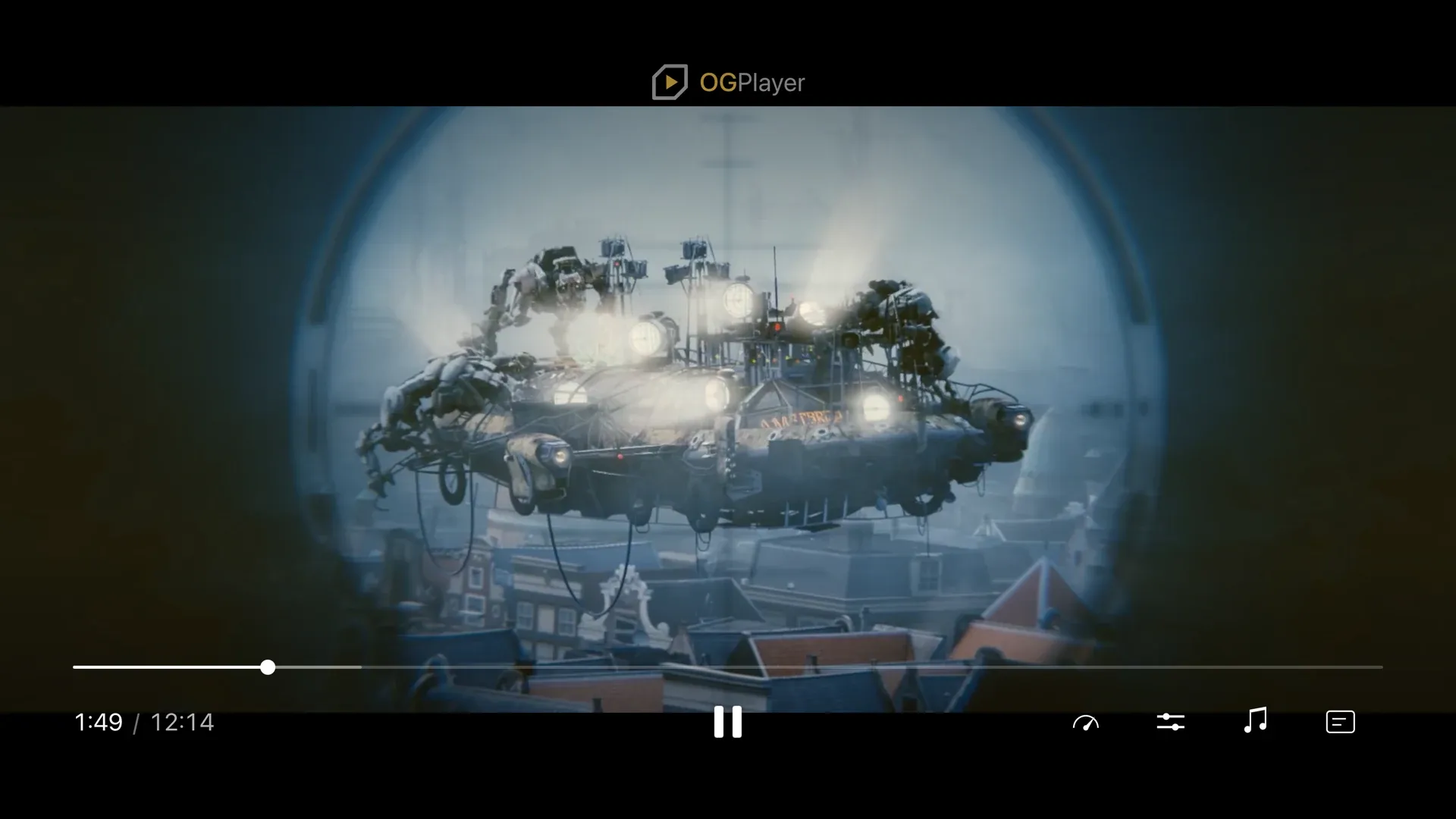
1 · Add the products to a tvOS target
Section titled “1 · Add the products to a tvOS target”// Package.swift or Xcode → Package Dependencies.product(name: "OGPlayerCore", package: "ogplayer-swift"),.product(name: "OGPlayerUI", package: "ogplayer-swift"),.product(name: "OGPlayerAdsIMAtvOS", package: "ogplayer-swift"), // ads, optionalimport OGPlayerCoreimport OGPlayerUI
struct PlayerScreen: View { @StateObject private var player = OGPlayer() var body: some View { var config = OGUIConfig() config.mediaSessionEnabled = true // optional: Now Playing + Siri / Control Center return OGPlayerView(player: player, config: config) .ignoresSafeArea() .onAppear { if let item = OGMediaItem(urlString: "https://example.com/stream.m3u8", title: "My movie") { player.load(item) } } }}2 · The Siri Remote
Section titled “2 · The Siri Remote”| Remote | Chrome hidden | Chrome visible |
|---|---|---|
| Swipe / click Up, Down, Select | show the chrome, focus returns to the last control | move / activate |
| Left / Right | show the chrome on the scrub bar and start seeking | on the scrub bar: seek; in the bottom row (play/pause, previous/next, options): move |
| Play/Pause | toggles playback, shows the chrome | toggles playback |
| Menu | not consumed — your navigation stack pops | close menu → cancel a pending seek → hide the chrome |
A TV chrome has no seek buttons: the bottom row is play/pause, flanked by
previous/next while a playlist has an item that way (their glyphs are
replaceable like the rest — skipPreviousIcon / skipNextIcon, see
Theming), then the option buttons.
Seeking is the scrub bar’s: Up from play/pause reaches it (or any Left/Right
press while the chrome is hidden), and each press then moves a pending target
by the seek increment (10 s by default) with the storyboard preview above the
bar; rapid presses accelerate (1×, 3×, 6×, 12×), and the seek commits after
700 ms of silence or on Select. Menu cancels it.
The chrome is sized for viewing distance (OGControlDimens.forTv(), with a
48 pt overscan-safe inset). Focus is shown by size — the focused control
grows to 150 % — not by a ring, so there is no ring token to theme; dimensions stay themeable through
OGUIConfig.dimens.
3 · What is different on tvOS
Section titled “3 · What is different on tvOS”- Fullscreen — a TV app is always full-screen: the
isFullscreenbinding,startInFullscreenandautoFullscreenOnRotatecompile but do nothing. - Picture-in-picture, AirPlay picker, offline downloads — unavailable on
the platform, so
pipEnabled,showAirPlayButtonandOGDownloadManagerare not offered there; the vertical feed is not part of the tvOS build. - Volume — the remote owns the TV’s volume;
showVolumeButtonis ignored andVolumeControlMode.devicebehaves like.player. - DRM — FairPlay streaming works as on iOS (streaming keys; no persistent keys without downloads). The Simulator has no FairPlay; test on an Apple TV.
- Ads —
OGPlayerAdsIMAtvOSexposes the sameIMAAdsProvidertype name, soplayer.adsProvider = IMAAdsProvider()reads identically to iOS. IMA’s own skip UI takes focus when it appears.
4 · Now Playing (optional)
Section titled “4 · Now Playing (optional)”config.mediaSessionEnabled = true mirrors the player into
MPNowPlayingInfoCenter and takes the MPRemoteCommandCenter commands the
system routes there — play, pause, toggle, skip forward/back, scrub, next —
so Siri, Control Center and the TV app’s now-playing row drive playback while
the app’s own chrome is down. With it on, the Siri Remote’s Play/Pause button
arrives through the same command center rather than as a press — the chrome
still shows for it. Default off; tvOS only in this version.
The demo repository ships an OGPlayerDemosTV target: the same scenarios on
the Siri Remote chrome, deep-launchable with SIMCTL_CHILD_OG_DEMO=<route>.